
15s / 1080p
Official messaging highlights longer, cinematic clips with multi-shot coverage and high-definition output.
Save up to 73% on plans

Seedance 2.0 is ByteDance Seed's audiovisual generation system for teams that need more than silent prompt-to-video output. Official materials position it around native audio, multimodal direction, multi-shot control, higher motion quality, and workflows for editing and extension. This page turns that product story into an actionable interface you can use for research, prompt design, and production planning right now.
Seedance 1.5 Pro
AI output preview
Three signals show up repeatedly across the official material and public provider coverage.
Official messaging highlights longer, cinematic clips with multi-shot coverage and high-definition output.
Seedance 2.0 is positioned as an audiovisual system, not a silent video-only model.
ByteDance frames Seedance as a tool for editing existing footage and extending approved sequences.
For operators and teams, the value of Seedance 2.0 is not just better demos. It is a clearer structure for how to plan, generate, review, and revise video content.
Seedance 2.0 is described around dialogue, sound effects, and music generated together with the visuals, which changes how teams write prompts and review drafts.
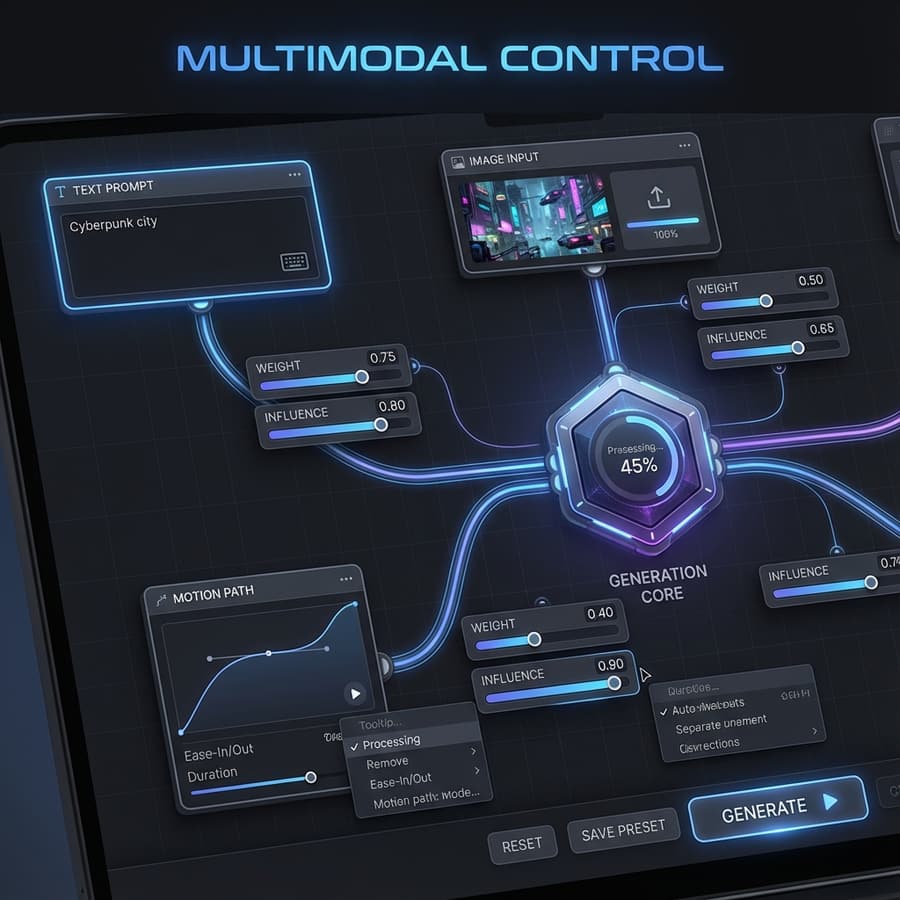
With text, image, audio, and video inputs in play, creative teams can attach concrete references to each request and reduce ambiguity early.
Multi-shot control matters because most commercial and branded content depends on scene progression, not just one attractive moving image.
Official launch materials stress editing and extension, which means the model category is useful after the first draft, not only before it.
ByteDance repeatedly emphasizes motion fidelity, camera feel, and expressive performance as differentiators for the model line.
People looking for Seedance 2.0 are usually looking for faster previs, richer video iteration, and more complete audiovisual output in fewer tools.
Use the official model framing as a practical playbook for teams making ads, explainers, concept films, and rapid pre-production assets.
Write prompts that describe campaign goal, audience mood, camera plan, on-screen action, and sound bed together. That gives stakeholders a stronger proxy for the final piece and makes the review loop faster and cheaper.
Plan a Campaign Prompt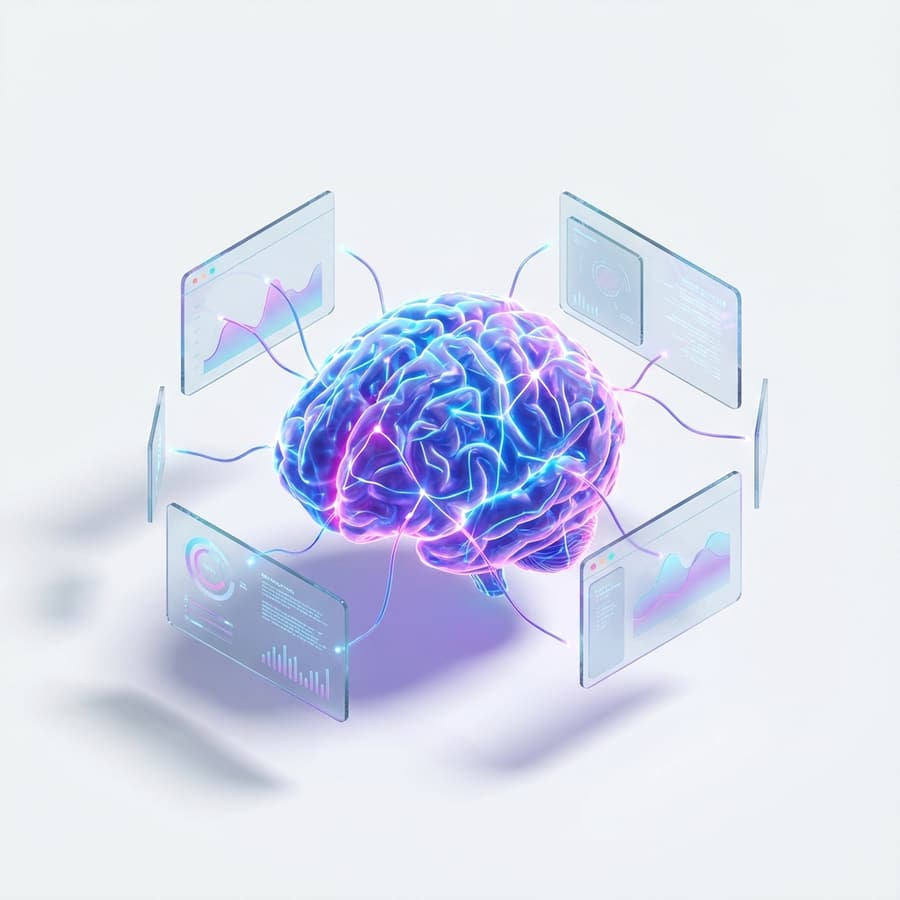
Seedance-style image-to-video workflows are useful when the team already has product photography, renders, or styleframes. Instead of rewriting the idea from scratch, start with a visual anchor and ask the model to animate motion, lighting, and camera travel around it.
Use Reference Frames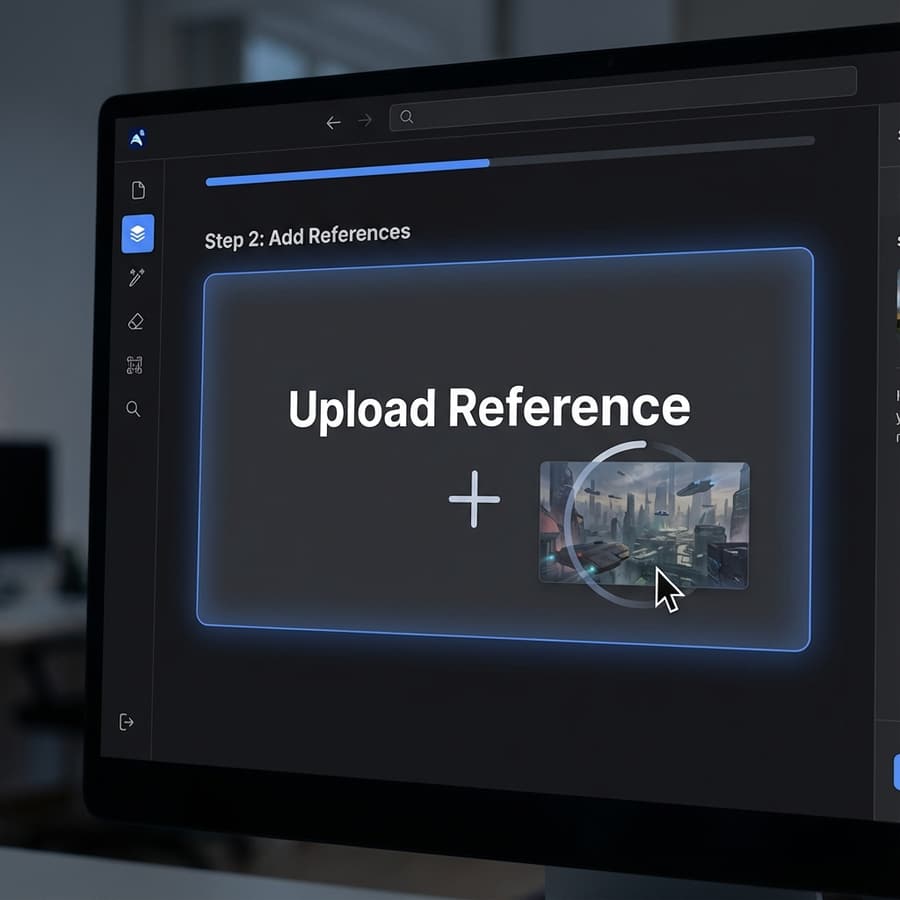
When a draft is close but not right, editing and extension matter more than brute-force reruns. Use the Seedance mental model to isolate exactly what should change: camera distance, movement path, pacing, audio intensity, or ending beat.
Refine a Draft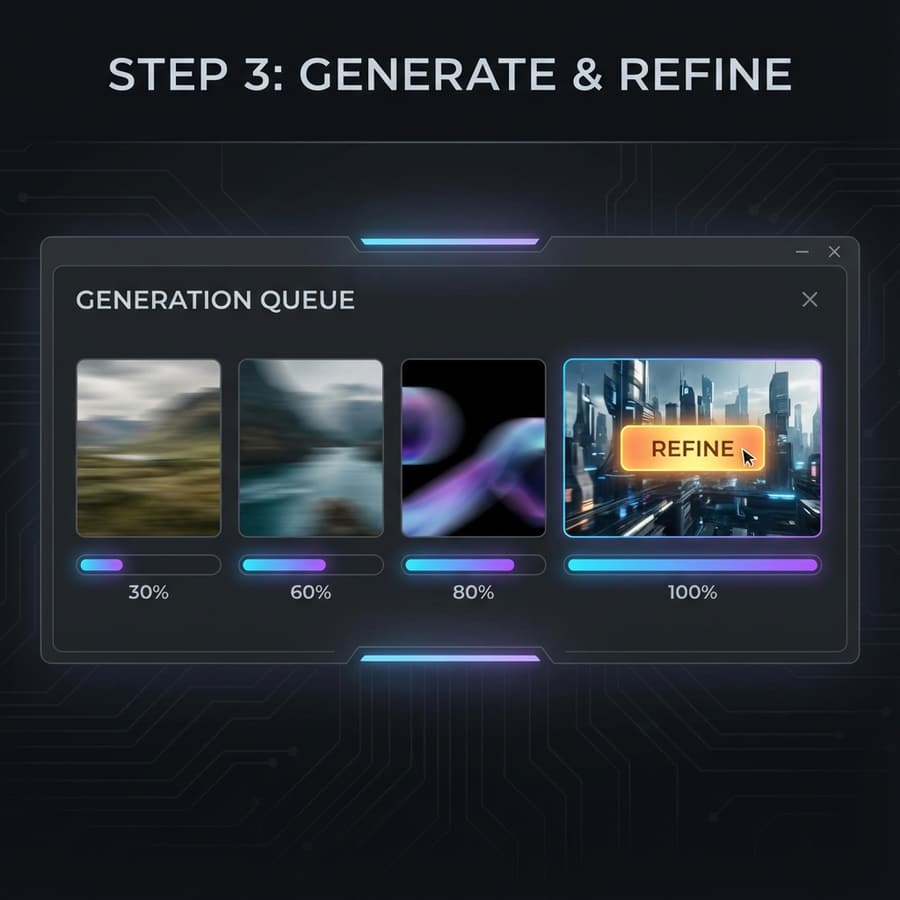
A good Seedance brief can be shared across teams because it includes objective, shot list, visual references, sound notes, and rejection criteria in one place. That structure is more scalable than untracked prompt fragments.
Answering the practical questions teams usually have before they commit to a new video workflow.
Not yet in a way we can document with confidence from official public docs. The page currently uses the available Seedance runtime in this repo while keeping the marketing and workflow framing centered on Seedance 2.0.
Because the user intent and the official product story are about Seedance 2.0. This page is designed to capture that demand while staying transparent about the live runtime underneath.
Start with objective, subject, motion, camera, environment, audio intent, and constraints. If you have references, state what each one controls so the model has less ambiguity.
The official positioning supports both, but the right choice depends on your starting point. Use text-to-video for ideation and narrative exploration; use image-to-video when composition or product identity must stay anchored.
Because most production teams do not need infinite fresh generations. They need a reliable way to improve a promising draft without rebuilding the entire clip from scratch.
Even before every public endpoint is settled, the Seedance 2.0 framing is already useful: it helps teams write better prompts, review outputs faster, and organize audiovisual generation work more coherently.